01 · Today
Open it. Know your day.
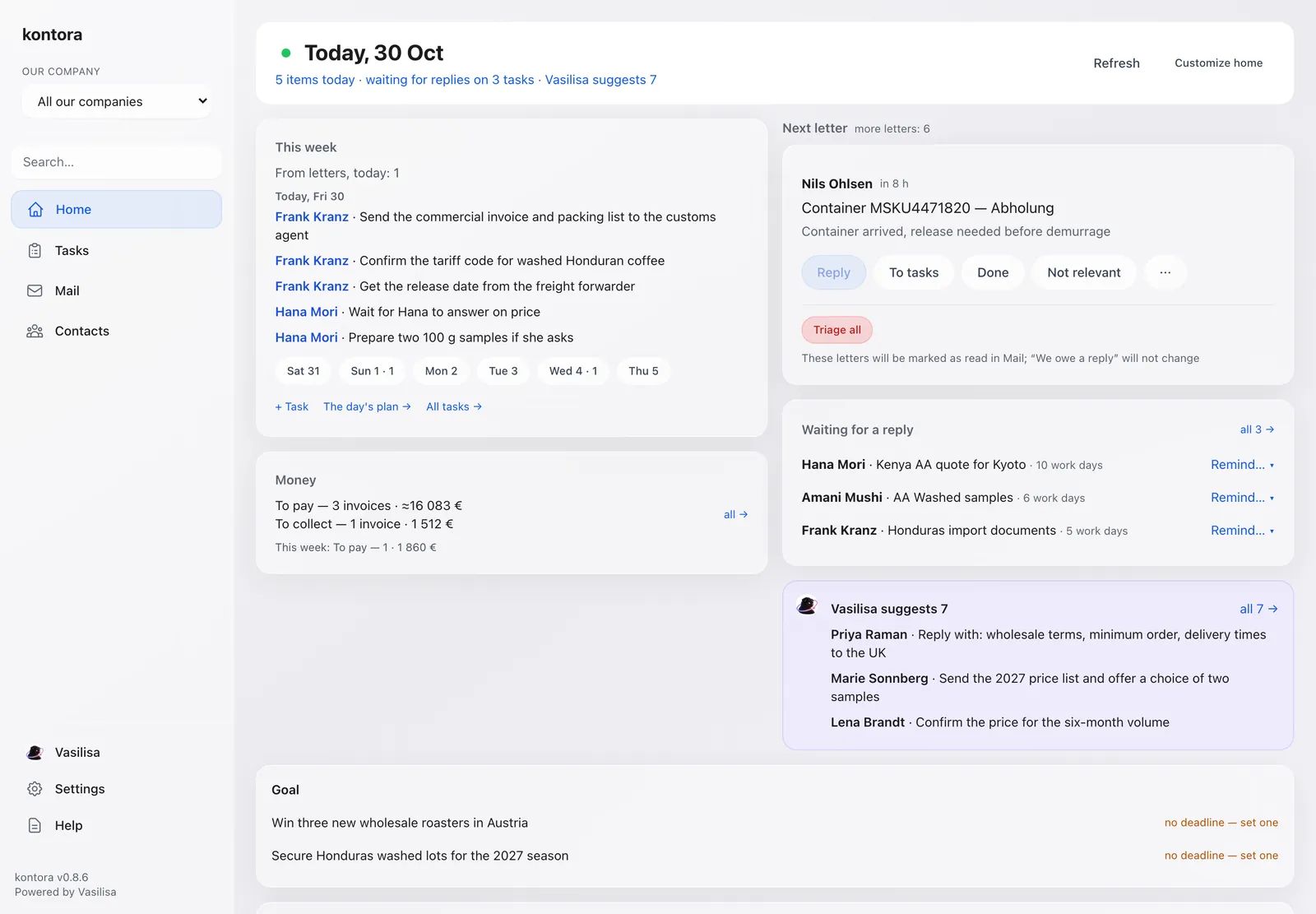
Home shows this week, the next letter to deal with, who you are waiting on and what Vasilisa suggests. You enter nothing.
Waiting for a replyVasilisa suggests
Swipe the screen →
Kontora reads your work mail and tells you every morning who needs a reply, who owes you money and what is due today.
In a small business the real work lives in email. Orders, invoices, deadlines, promises. Kontora reads it all and keeps one short list of what matters today.
Home shows this week, the next letter to deal with, who you are waiting on and what Vasilisa suggests. You enter nothing.
Swipe the screen →
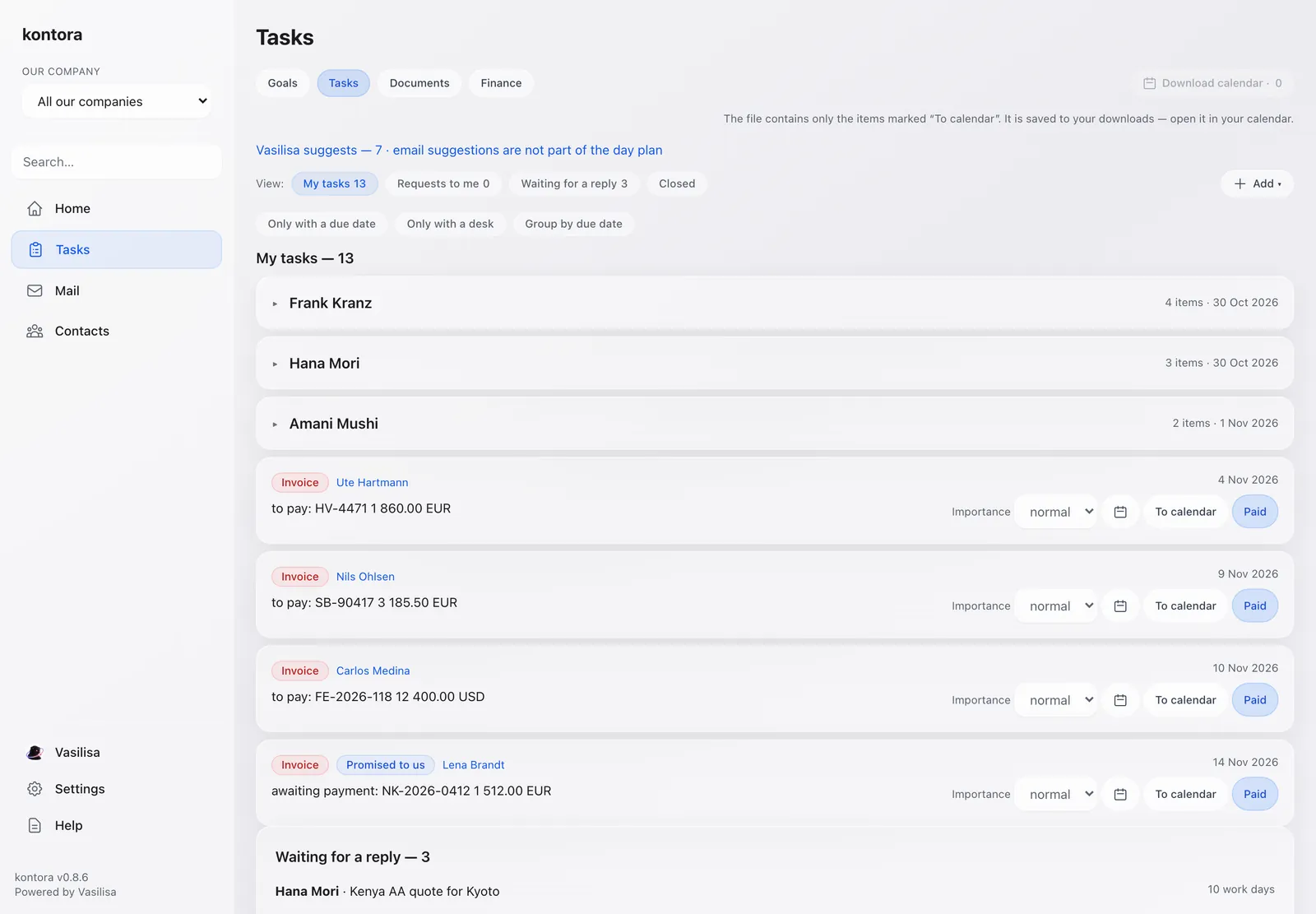
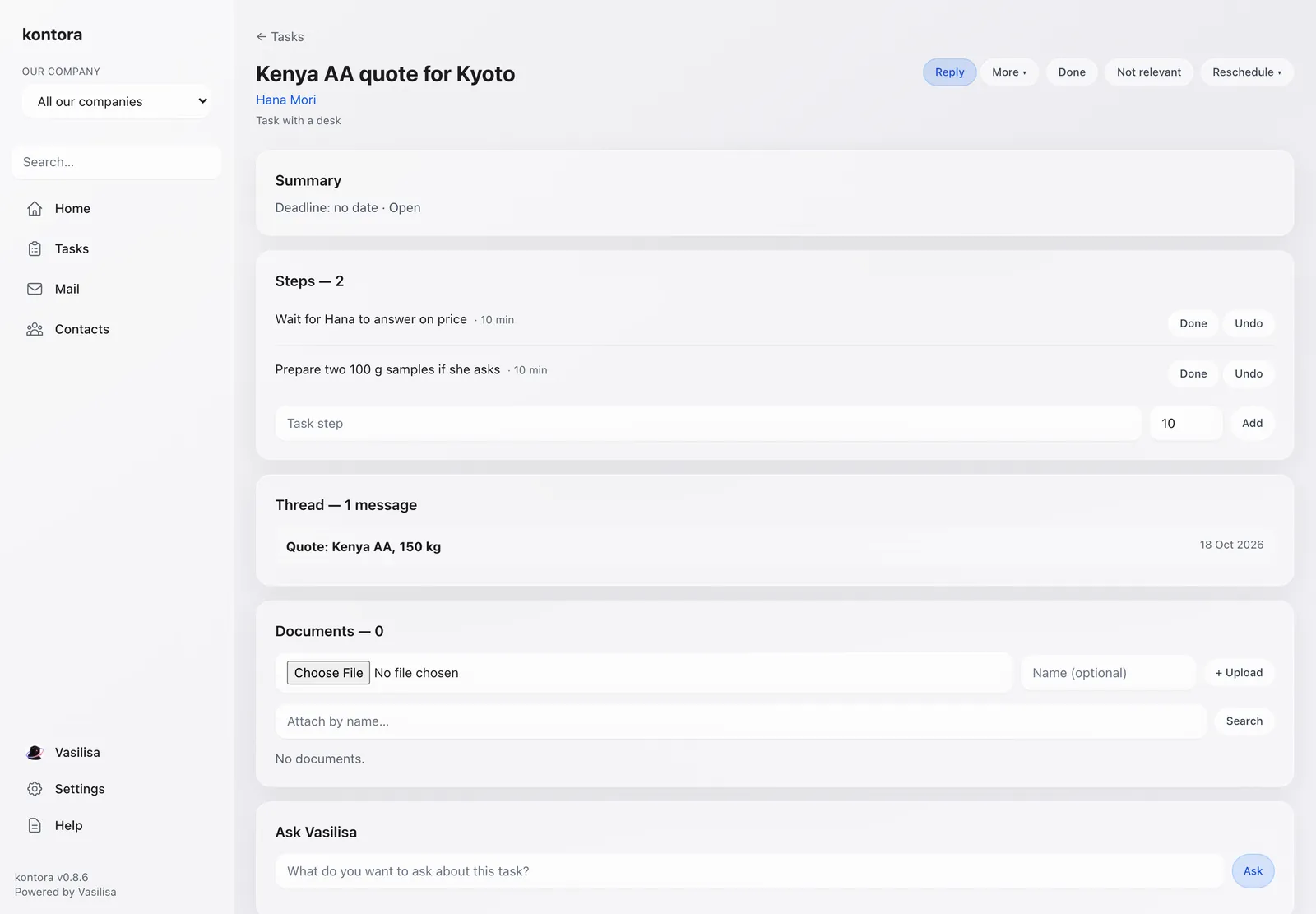
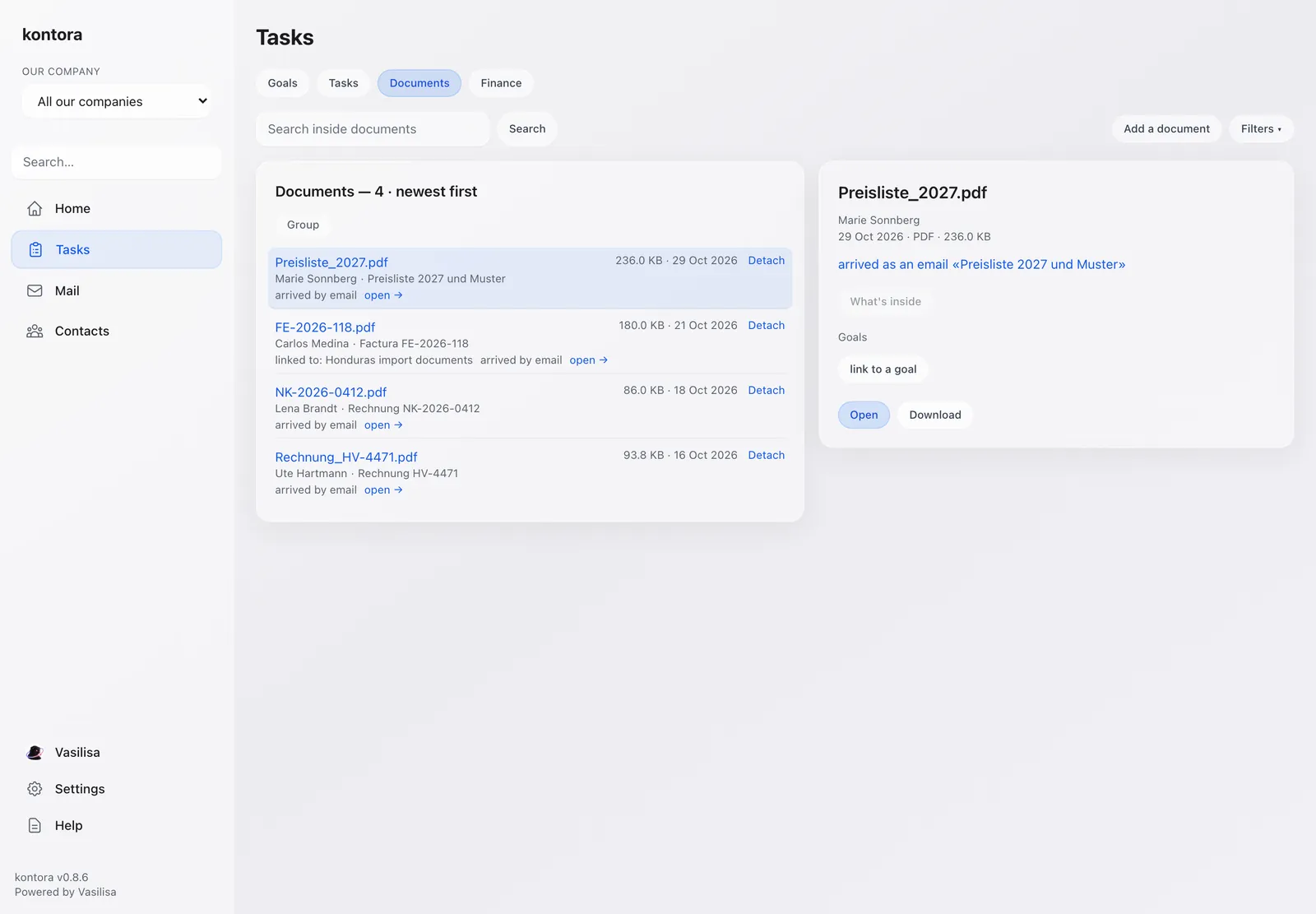
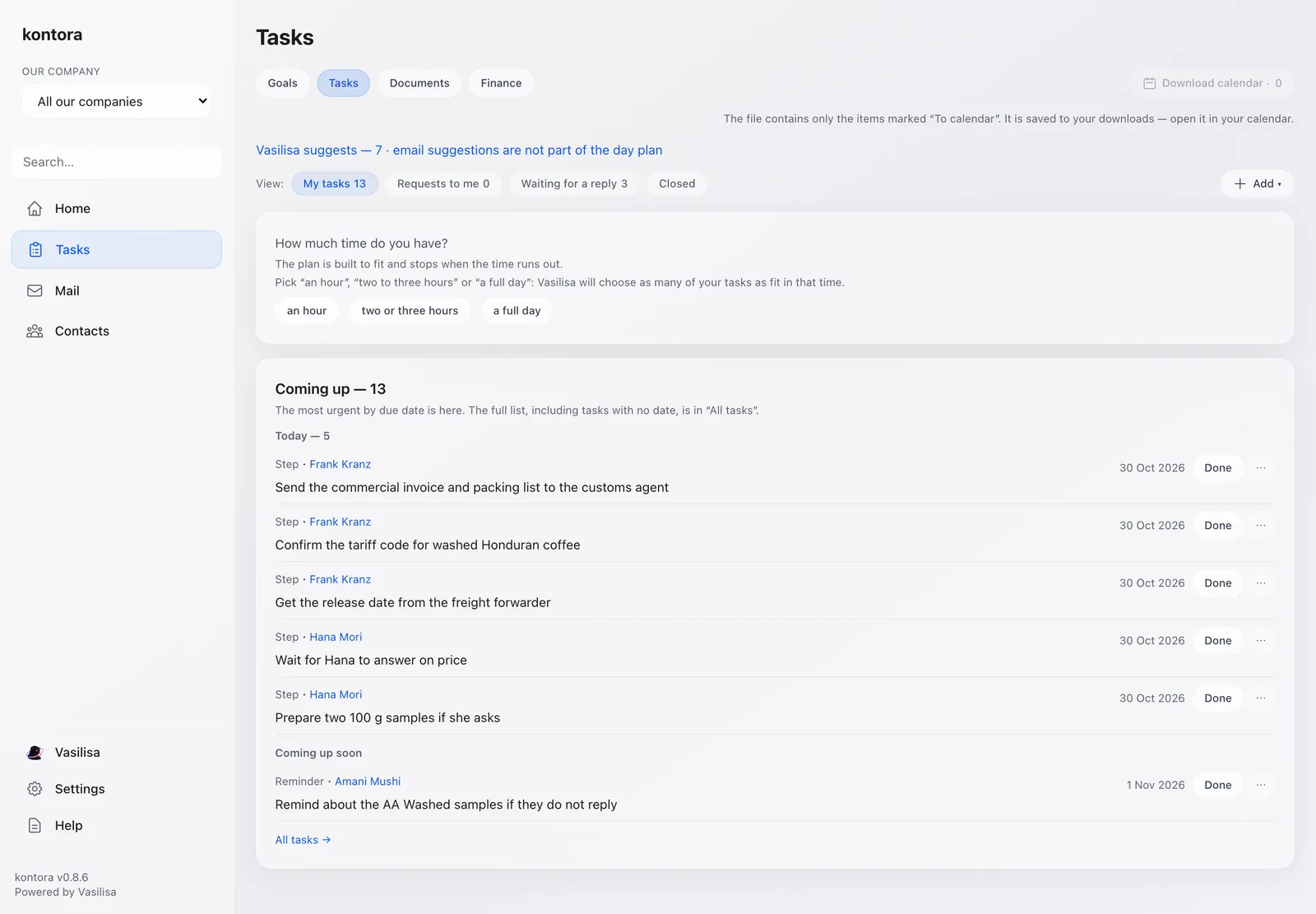
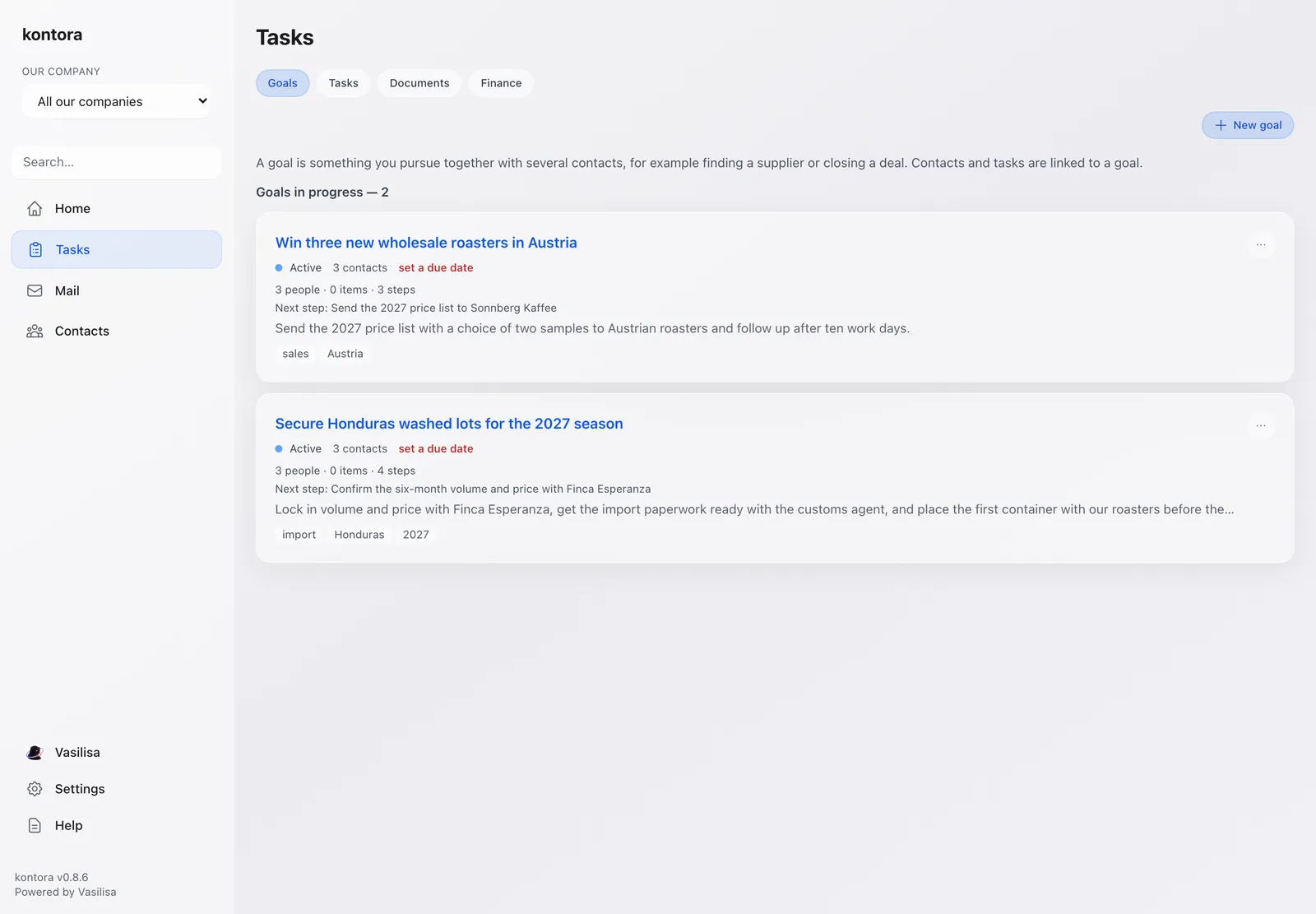
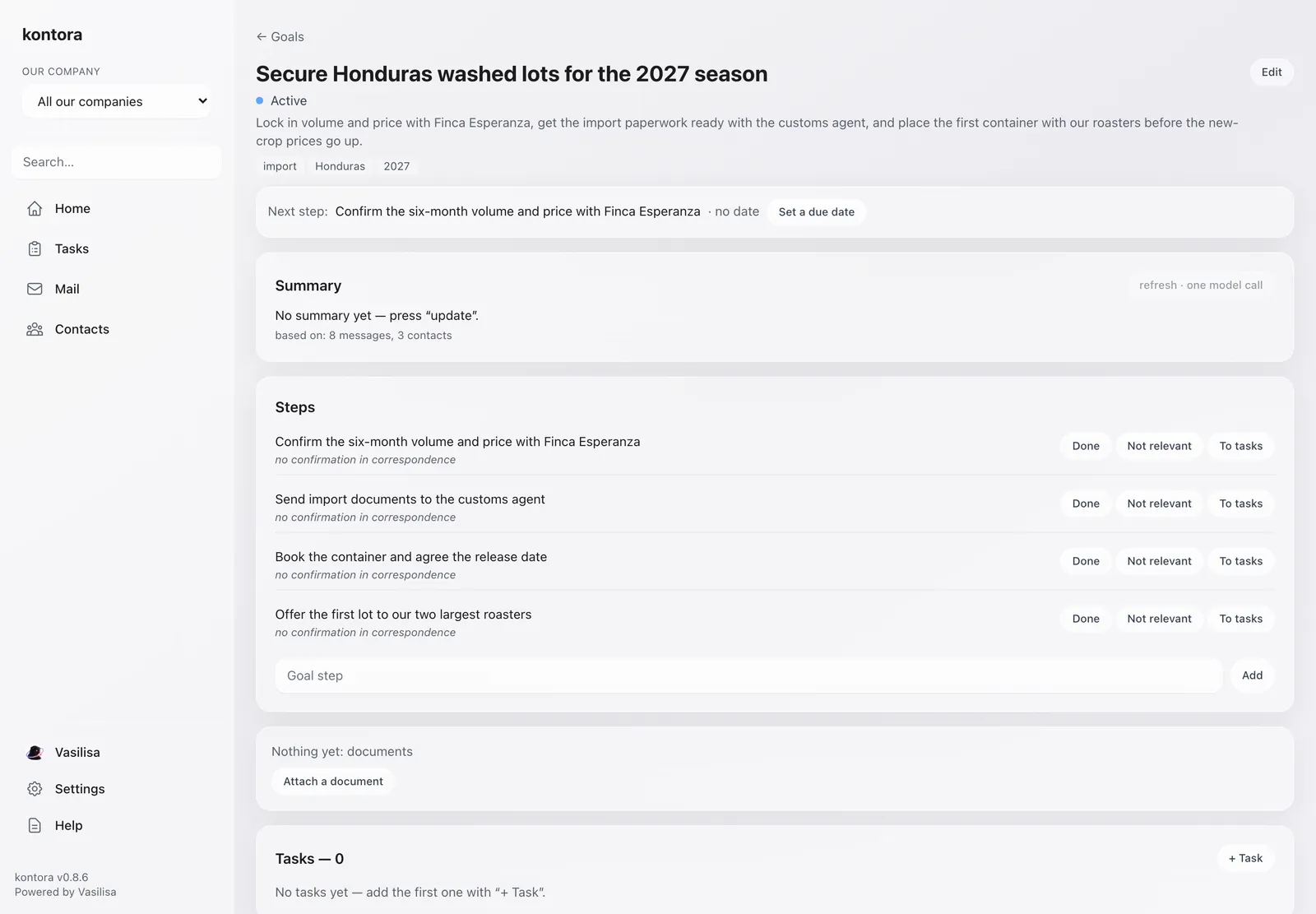
Each task is made from your mail and keeps its emails, people, documents and next step. Goals group several tasks and show what is moving and what has stalled.
Swipe the screen →
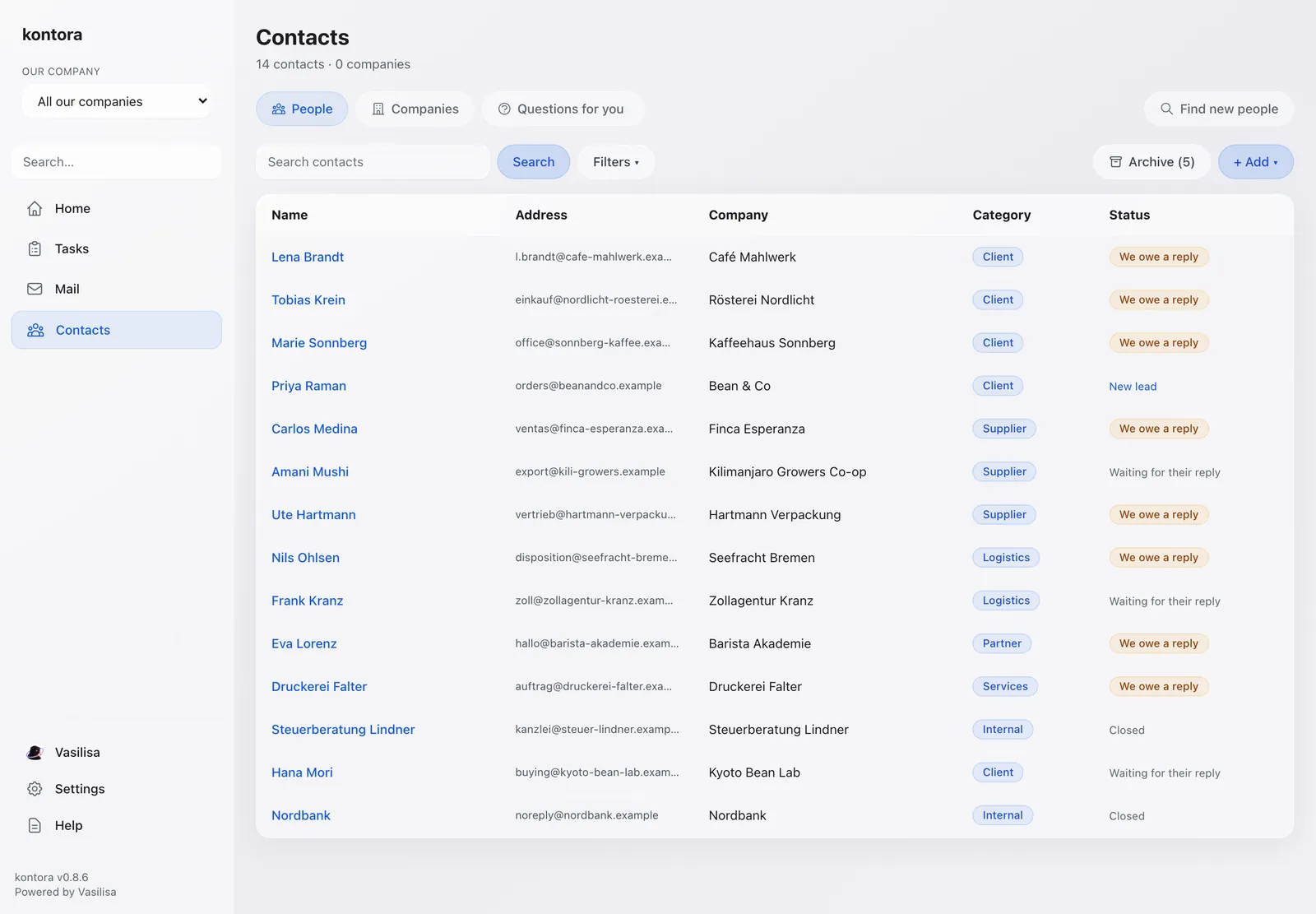
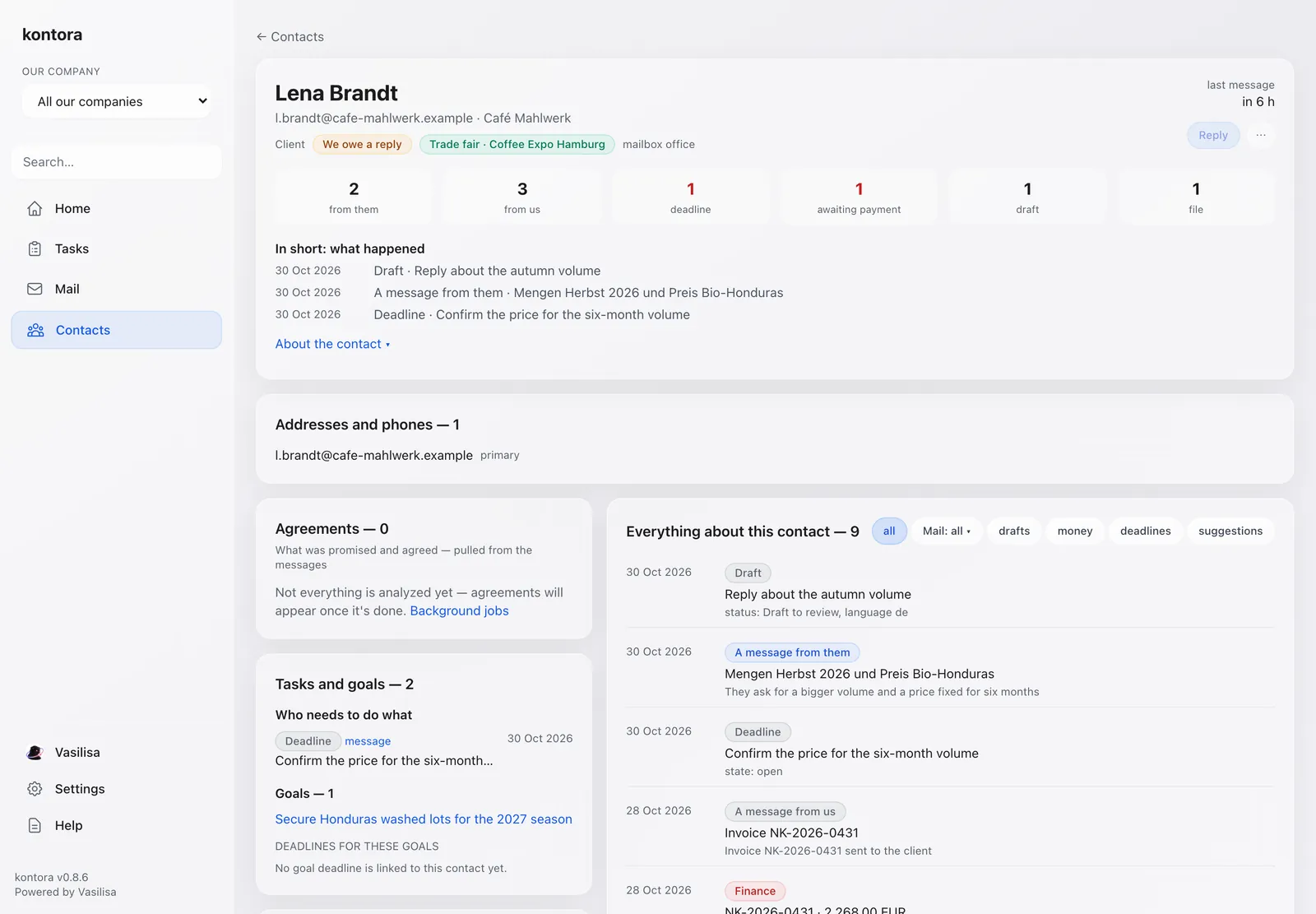
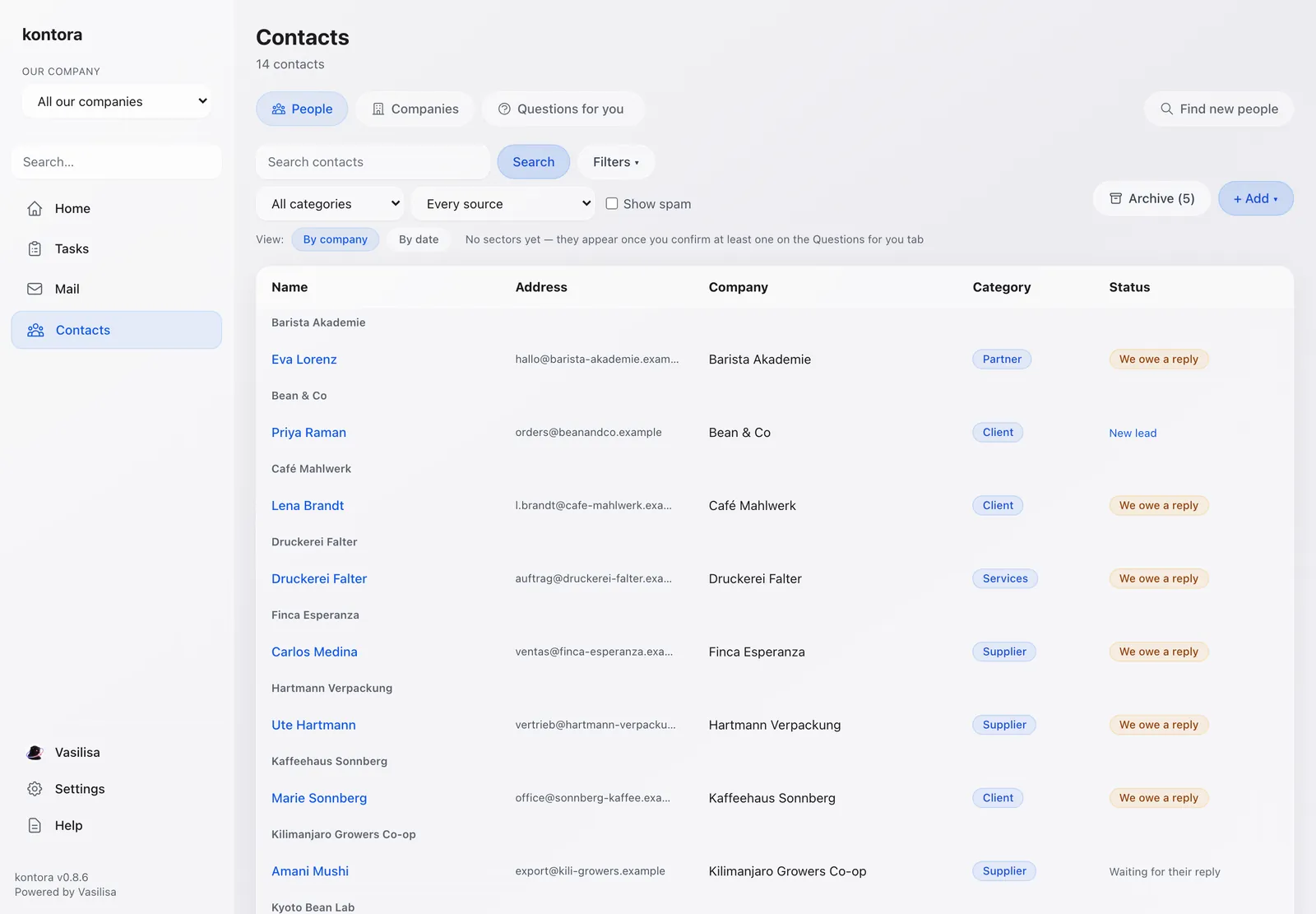
Someone who writes from three addresses is one contact. Each card shows what was promised, what is due, the money and the files — and everything is grouped by company.
Swipe the screen →
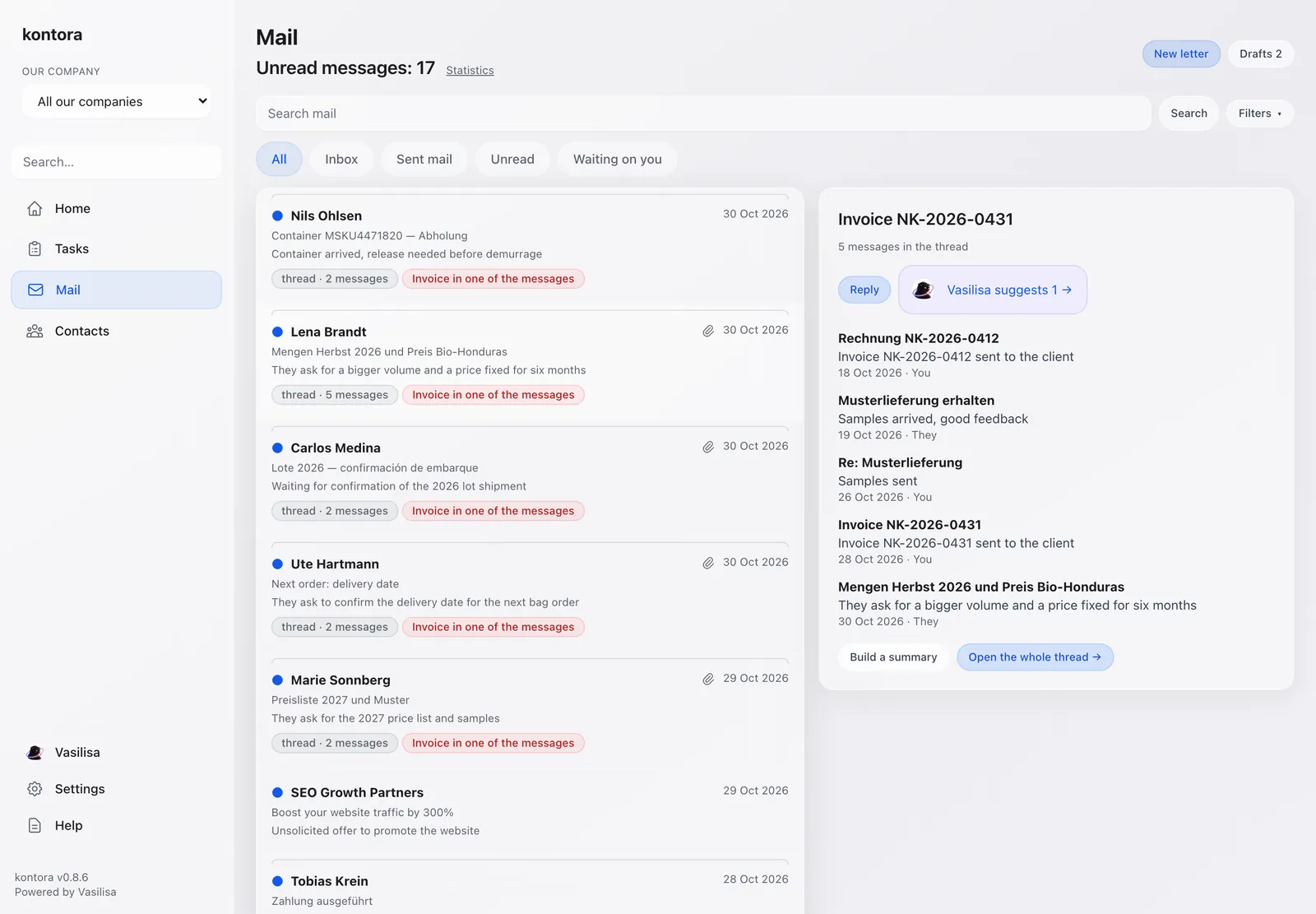
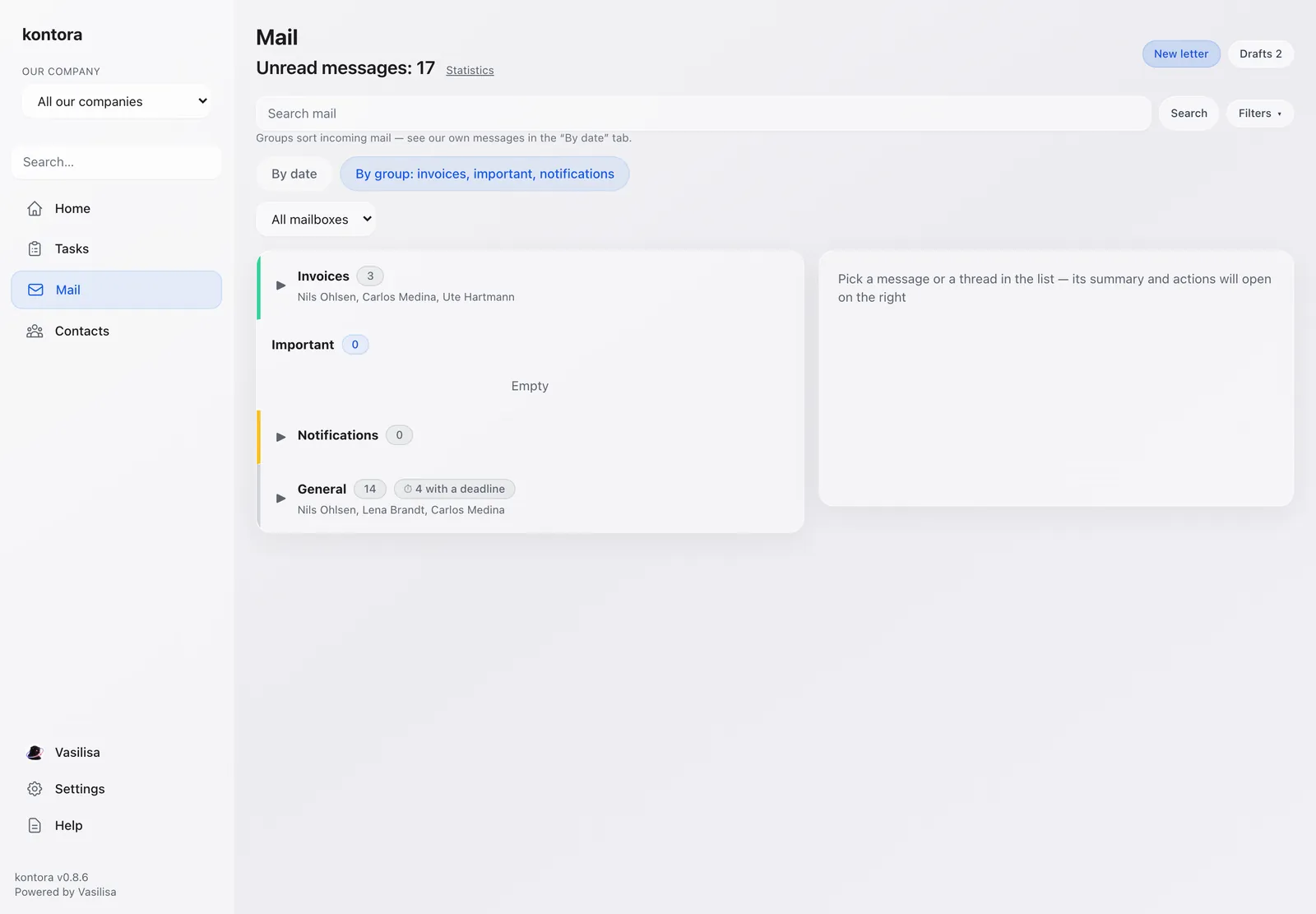
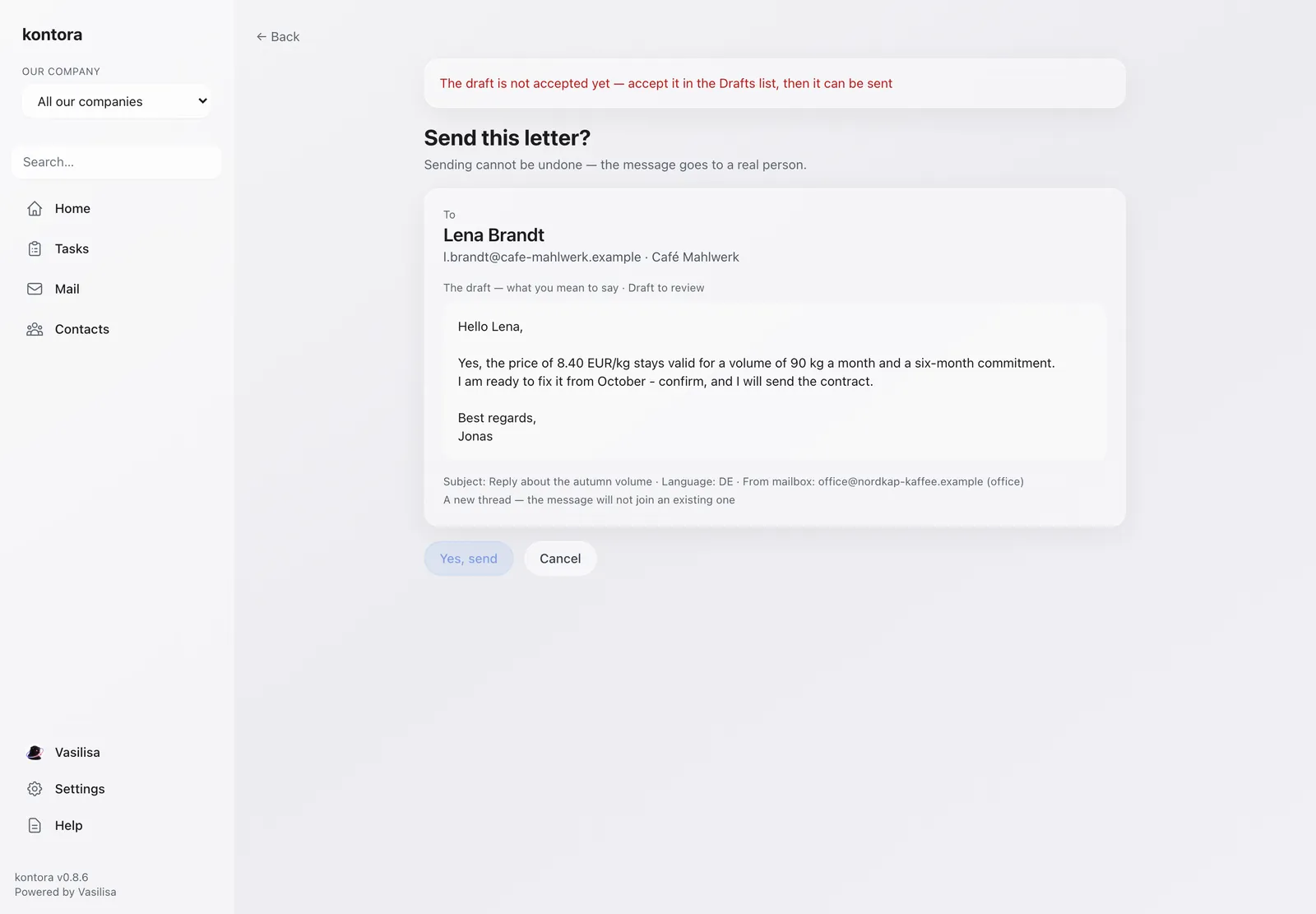
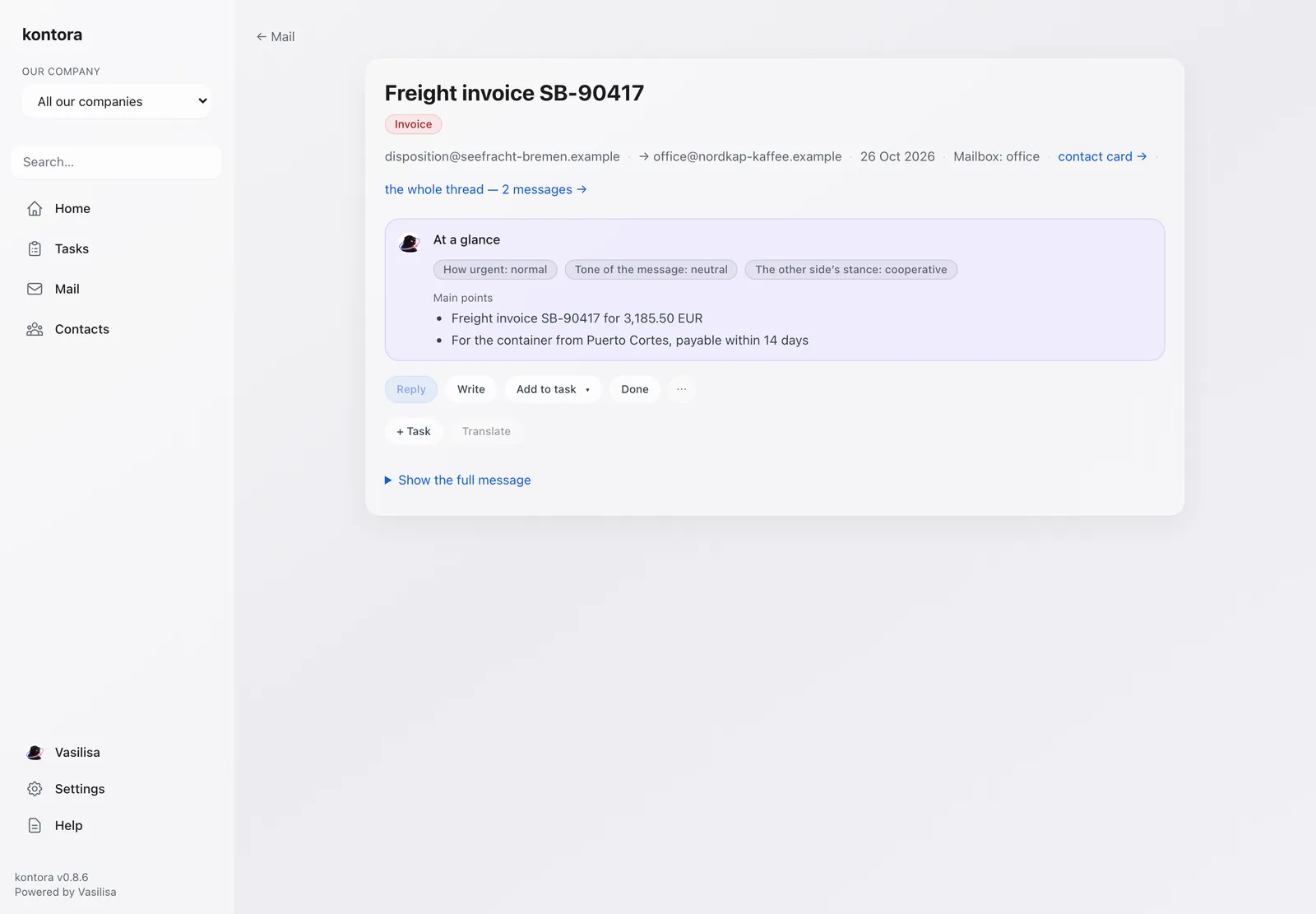
Every email gets a one-line summary. Replies are drafted in your language and translated into the recipient's. Nothing is sent until you accept the draft and confirm.
Swipe the screen →
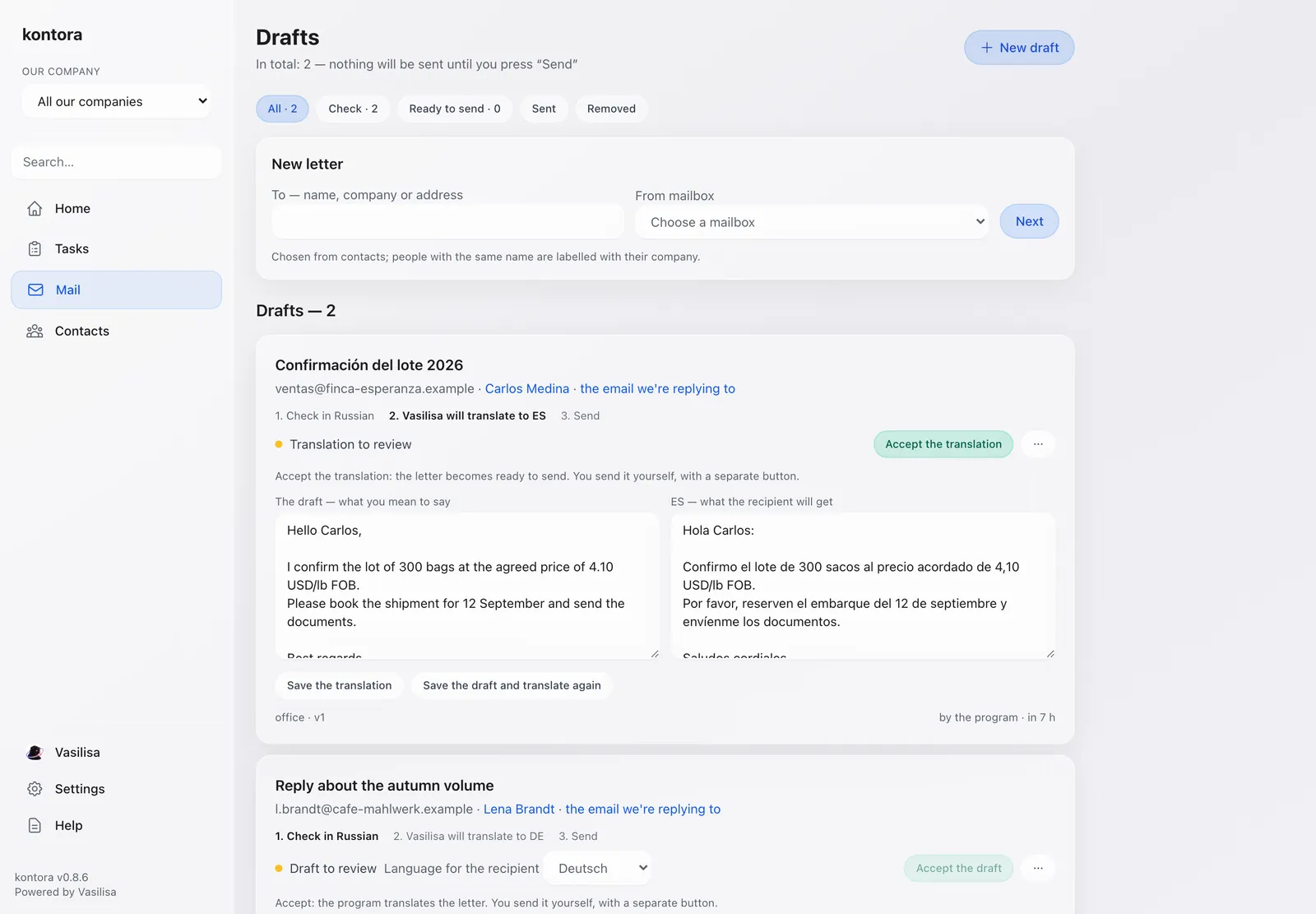
Every amount is saved with a word-for-word quote from the email or attachment it came from. An invoice found in mail waits for your OK — until then it is in no total.
Swipe the screen →
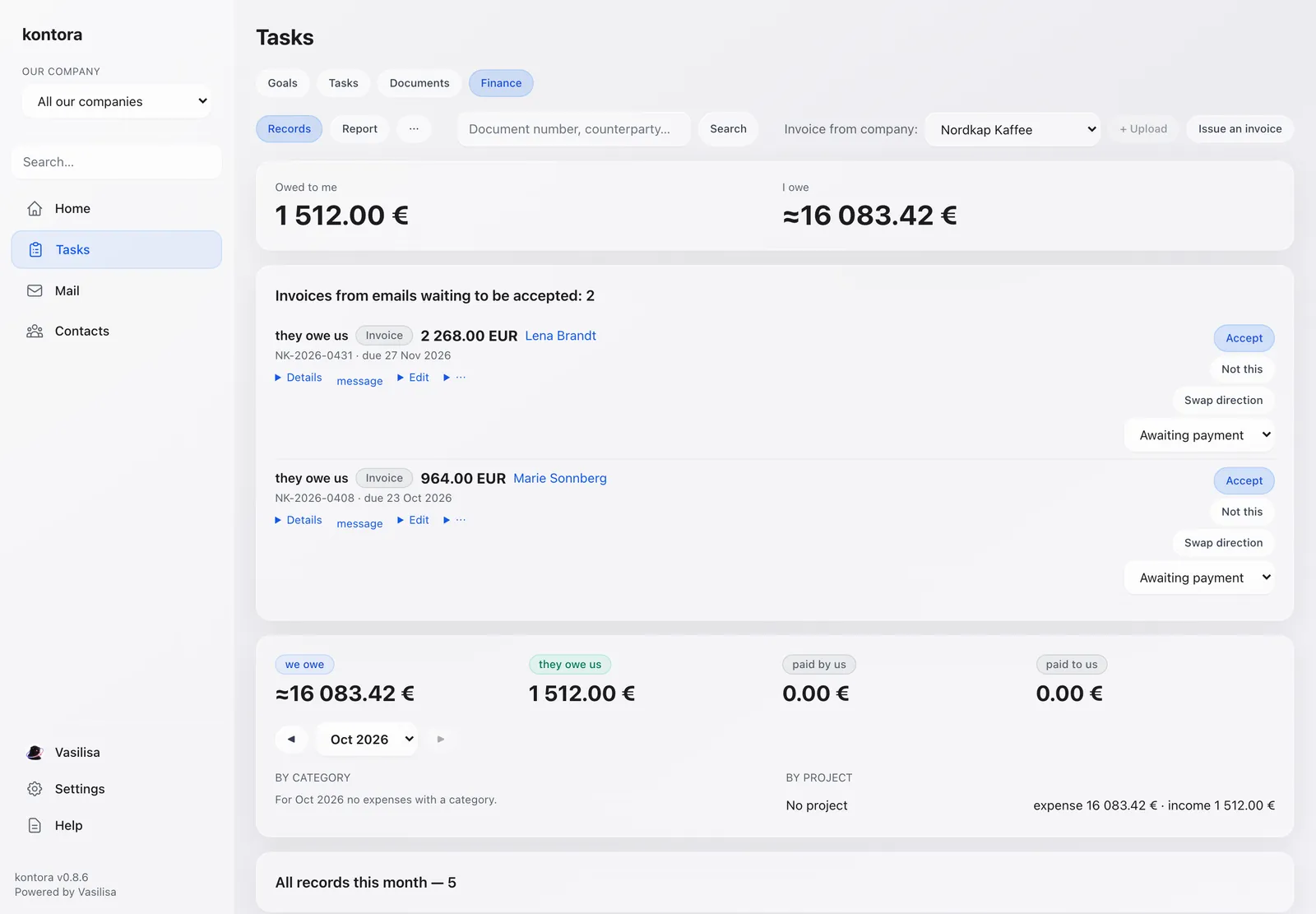
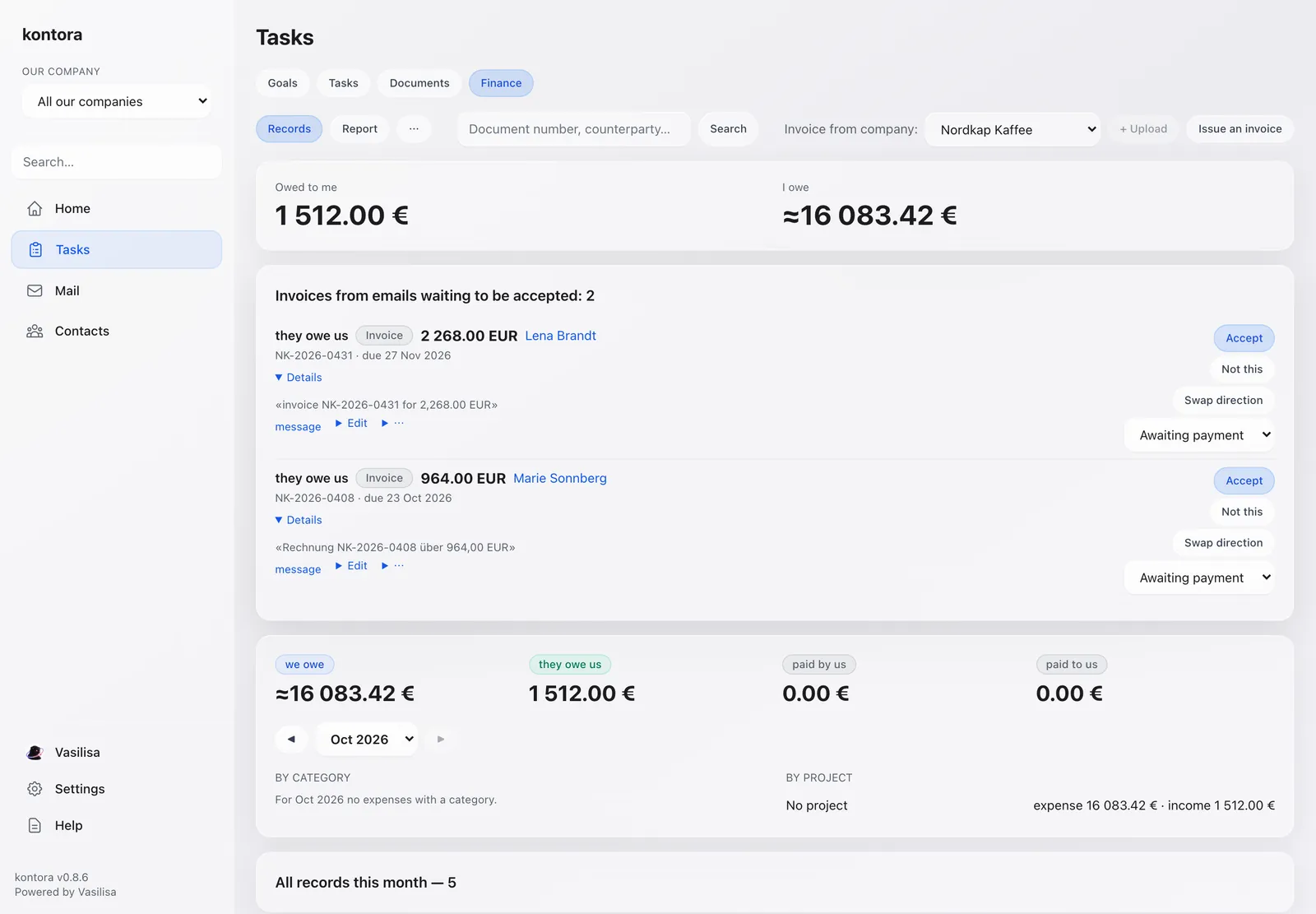
See who owes you and whom you owe, in one place.
Change an amount or a due date by hand; the screen says “edited by you” and keeps the original next to it.
Invoices and payments are found in emails and in attachments, including scans.
Issue invoices as PDF, with numbering and VAT.
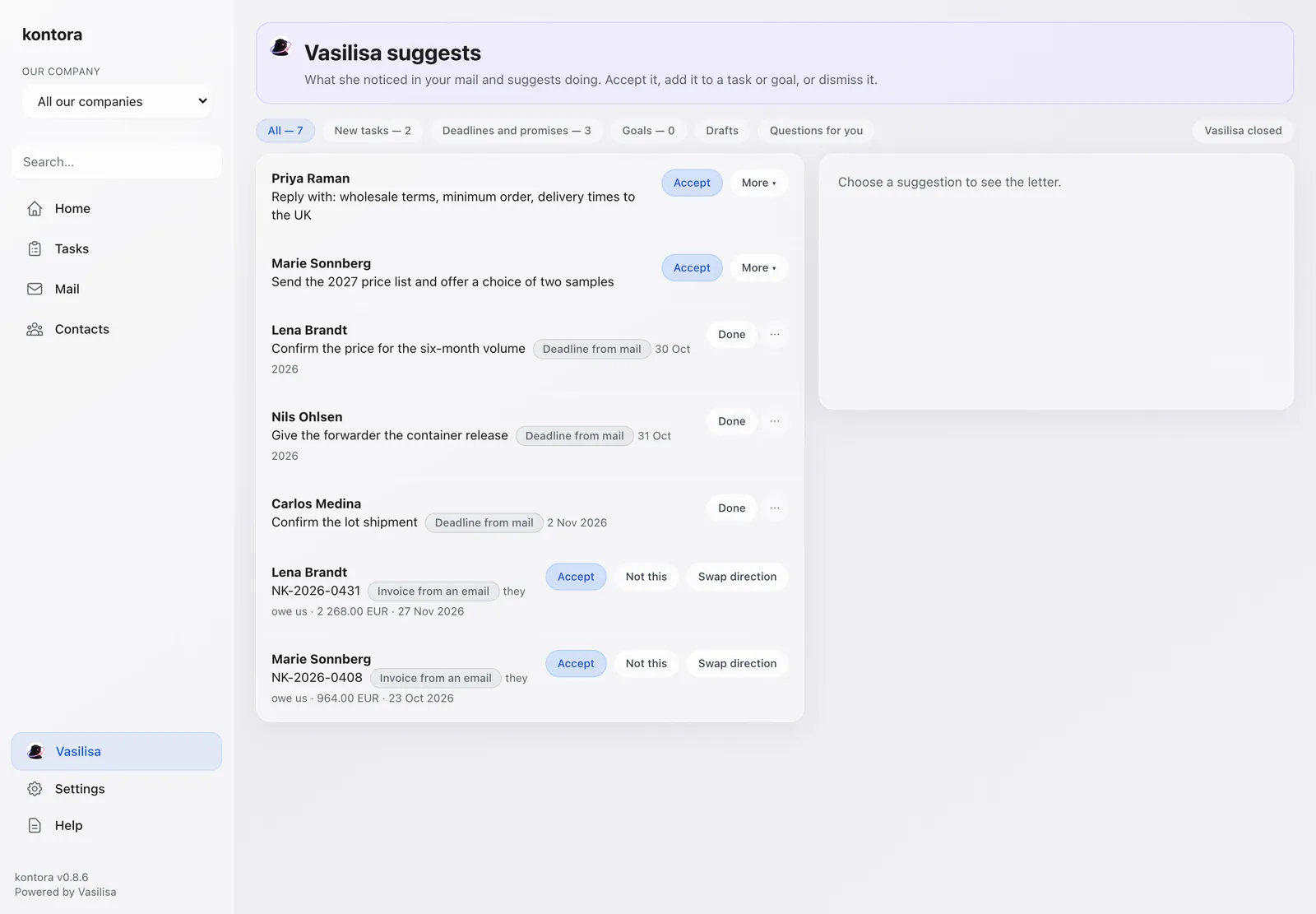
Your assistant inside Kontora. She notices what is hiding in the mail and puts it in front of you — you accept it, add it to a task, or dismiss it.
Swipe the screen →
Plain questions like “what did we promise this client?” answered from the task's emails and invoices.
New tasks, reminders and goals appear on one screen. Accept them or skip them.
When she is not sure, she asks you. One answer settles all similar cases at once.
Kontora installs on iPhone and Android as a regular app. Tasks, mail and money, with push notifications and your tasks in your phone's calendar.
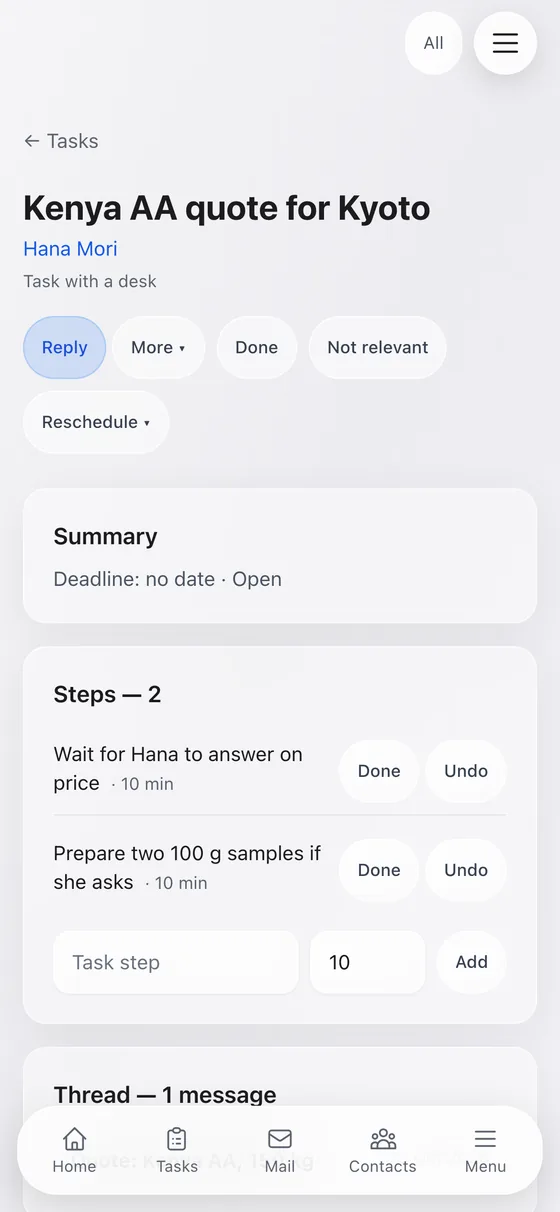
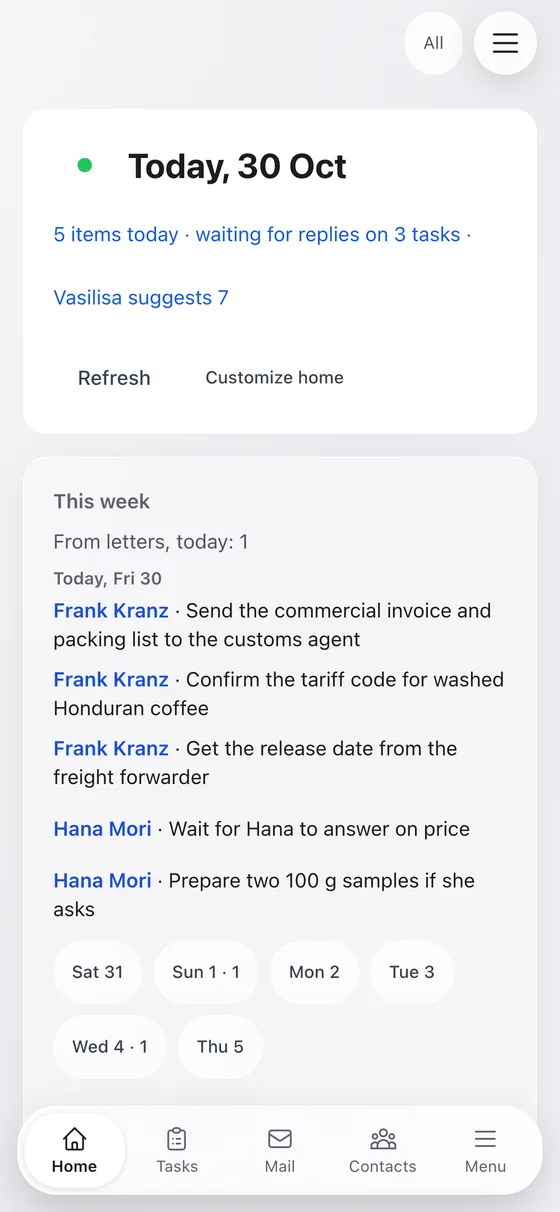
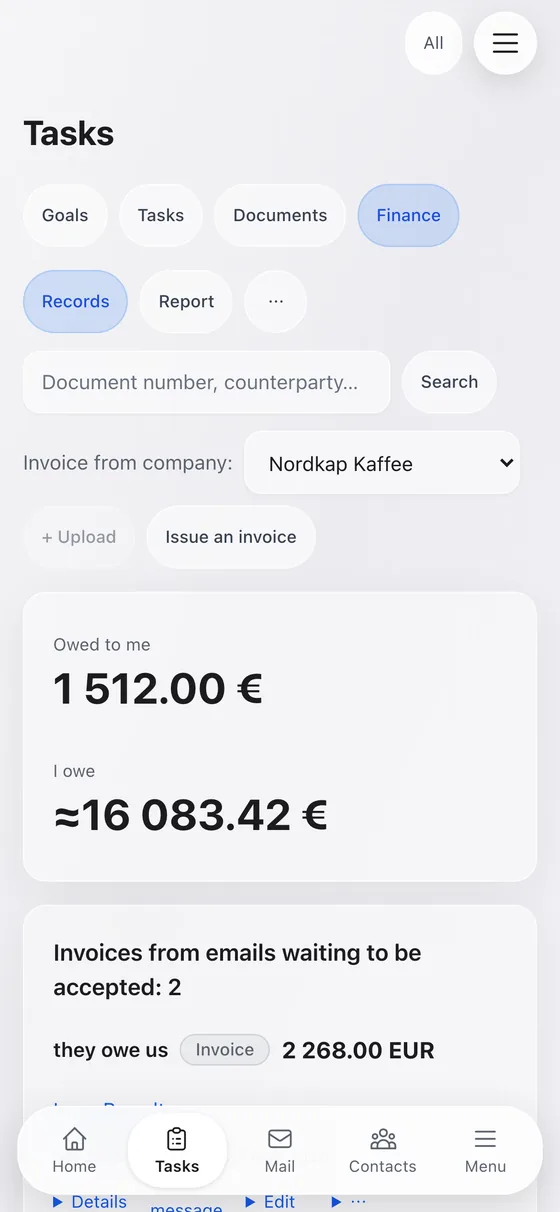
Currently in development
Everything lives in one file on your computer. Your mail goes only to your mailbox and to the AI service you chose. Runs on macOS, Linux and Windows.
Swipe the screen →
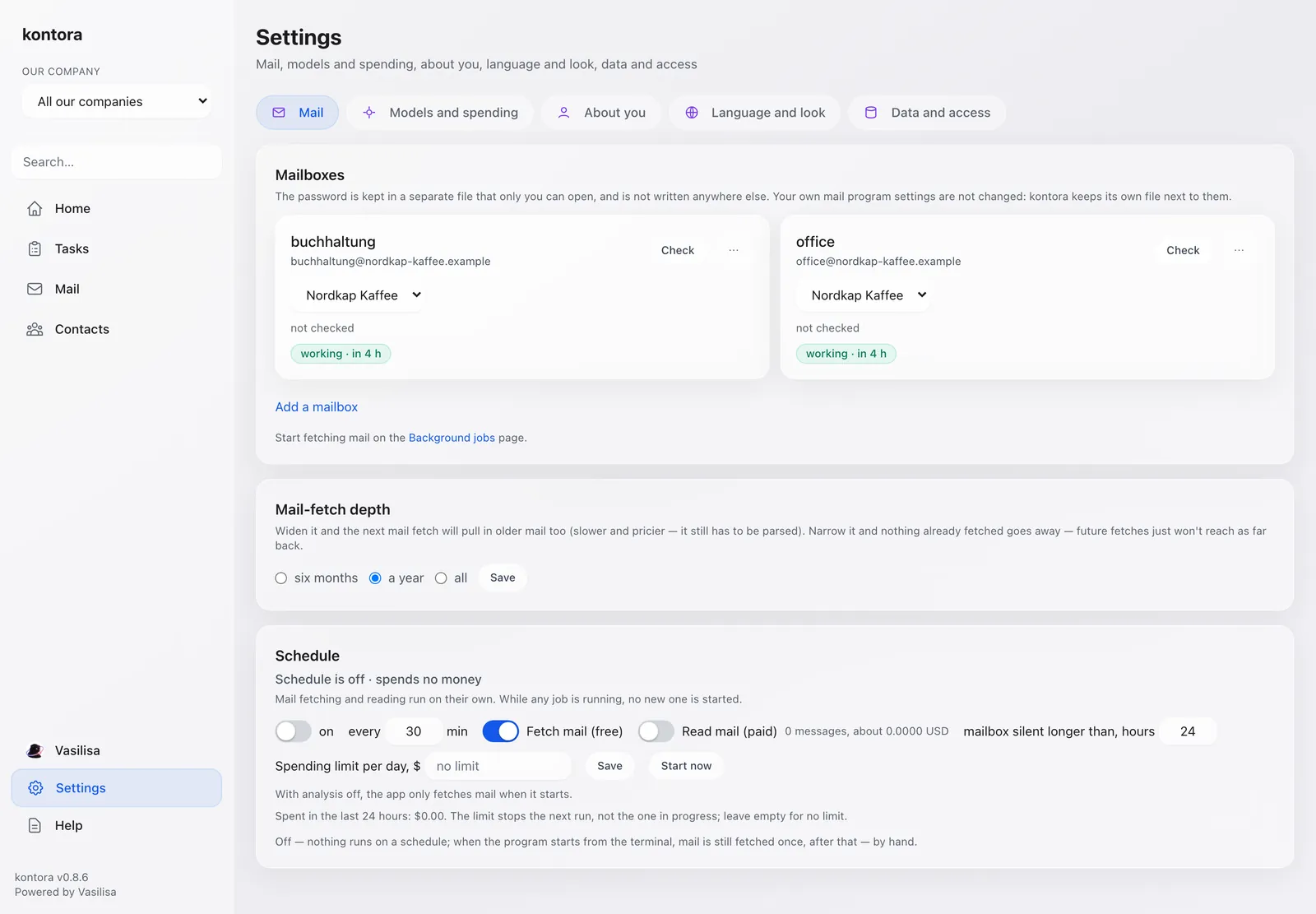
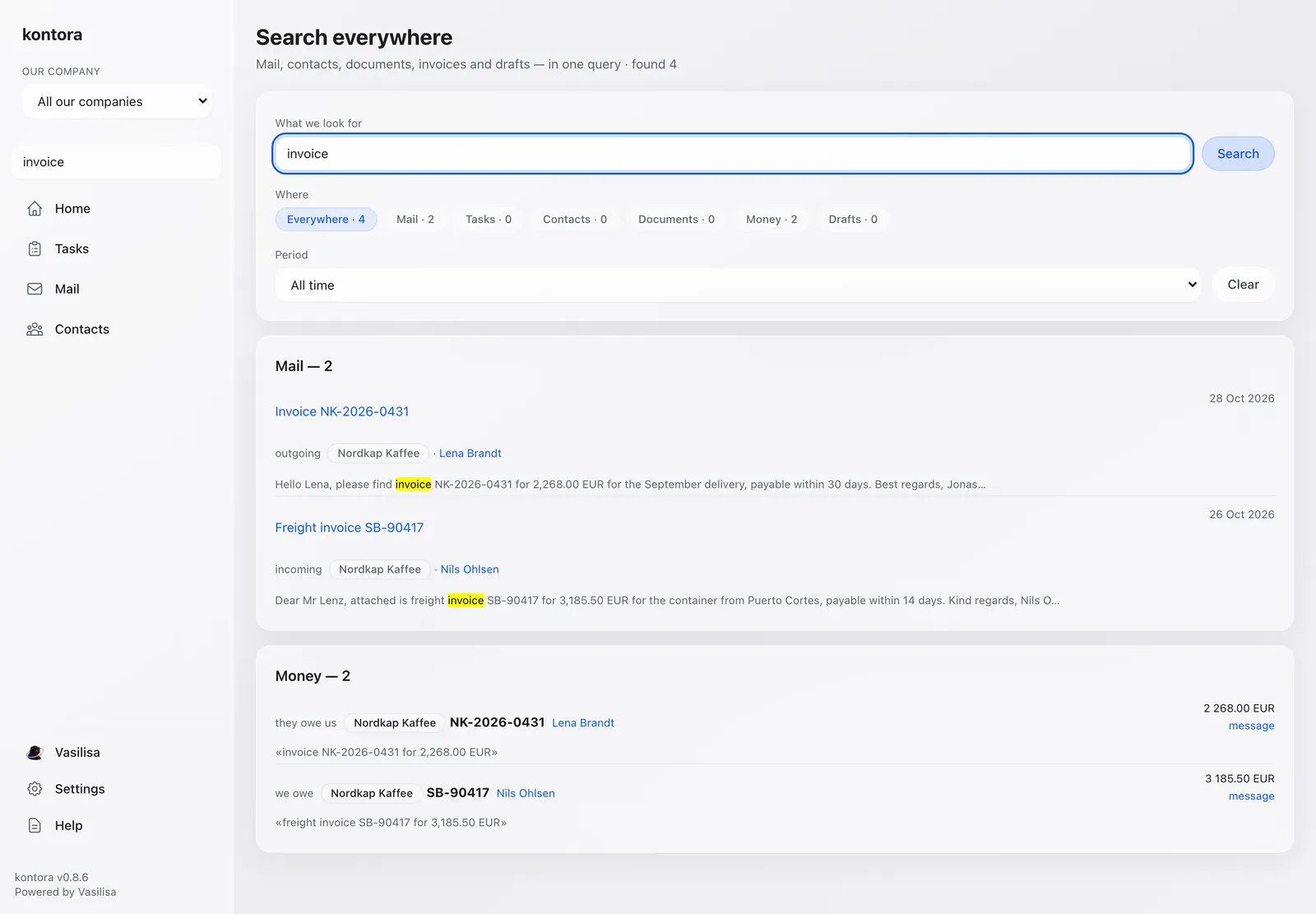
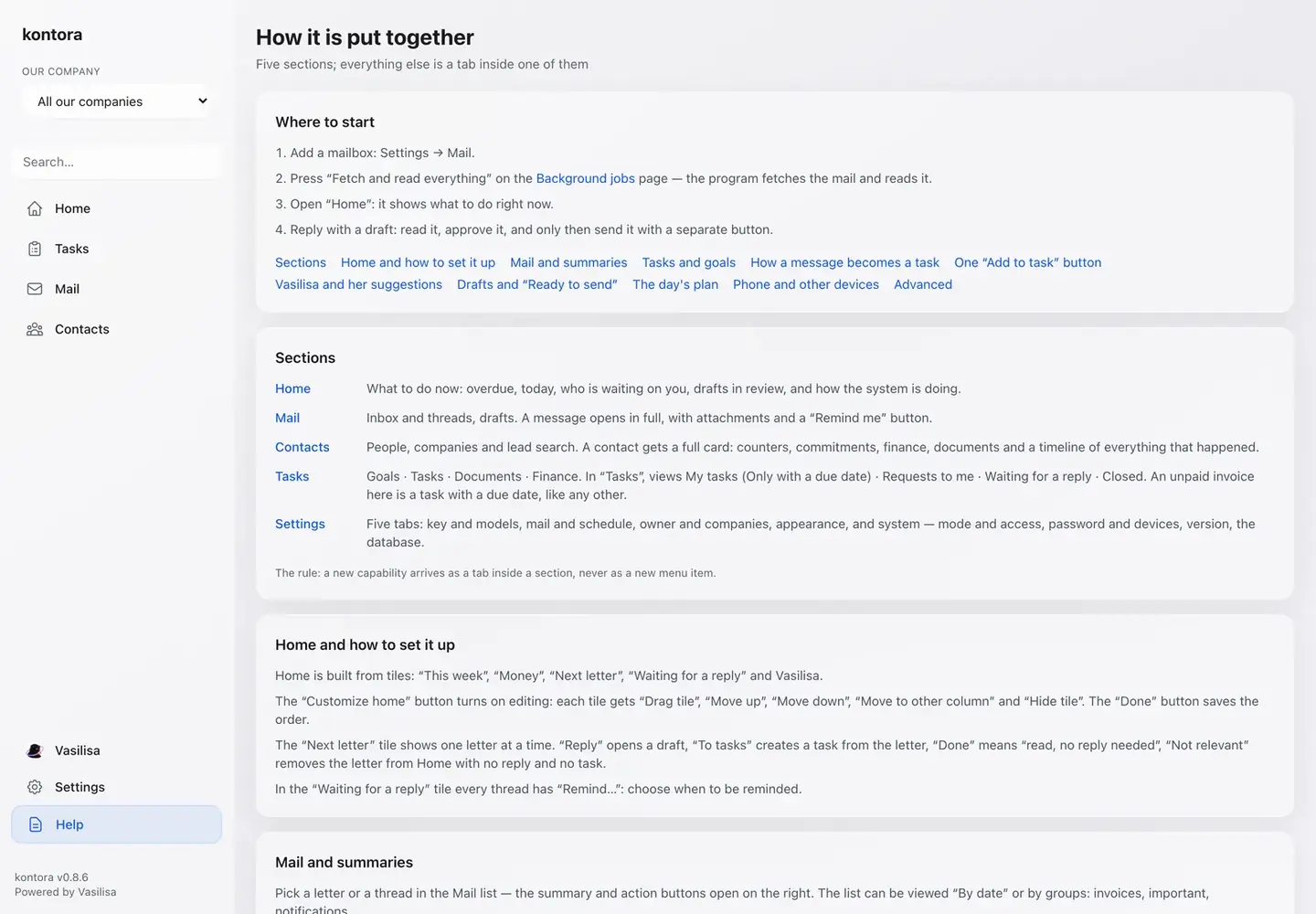
One file on your disk. The program sends mail only where you told it to.
Fetching mail is free. Only AI reading is paid, with a daily spending limit you set.
English and Russian interface, light and dark theme, several companies with a switcher.
Every send goes through a confirmation screen. Nothing leaves your mailbox on its own.
A number without a source from your mail is not saved. A missed invoice beats an invented debt.
Your data stays in one file on your computer. You decide what leaves it.
Release date to be announced.
Private alpha, access by invitation.
 KONTORA is an original product, fully designed and built by WALL.EXE.